01
Paste it, or share it
A supported TikTok, Instagram Reel or YouTube Short, a link to any recipe website, a scanned cookbook page, or text shared to Uma! from another app.
 Uma!
Uma!
iPhone & iPad · Free · No ads
Uma! turns recipe videos, recipe websites and cookbook pages into a cookbook you cook from, plan with and shop from.
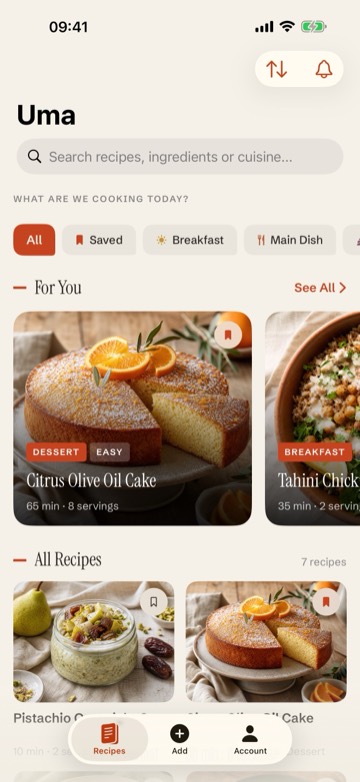
Paste a link
Cook step by step
From a link to dinner
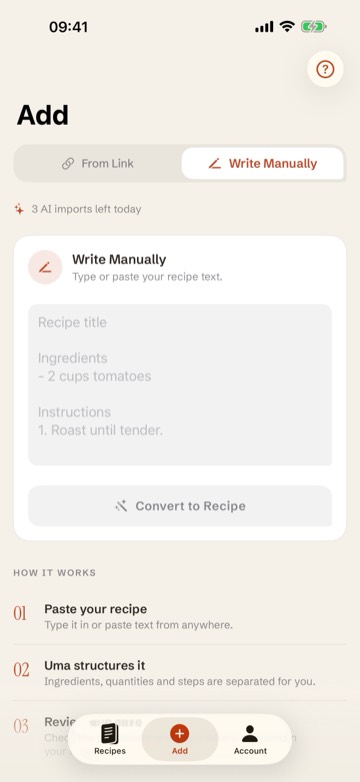
01
A supported TikTok, Instagram Reel or YouTube Short, a link to any recipe website, a scanned cookbook page, or text shared to Uma! from another app.
02
Every part of the dish keeps its own ingredients. Fix any detail, or ask AI to make it vegan, cook it for two, or translate it.
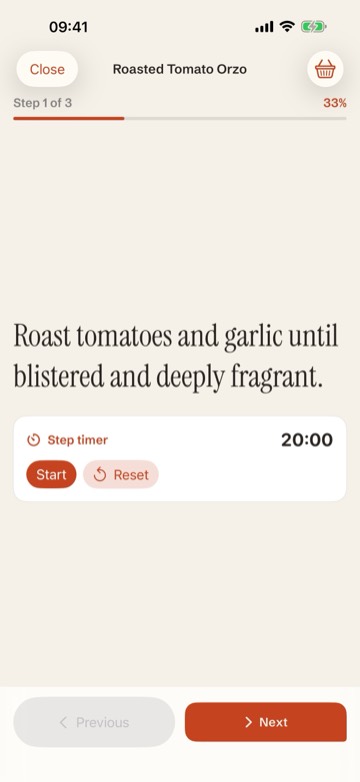
03
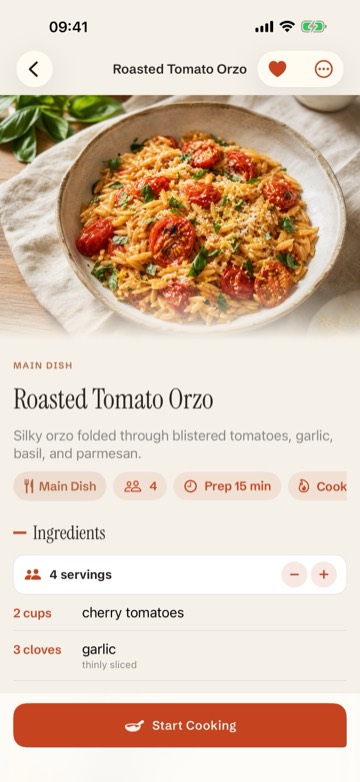
Guided Cooking Mode: check off ingredients, follow clear steps with timers started from the text, scale servings, switch to metric and resume later. Rate the dish when you finish and it joins your cooking journal.
04
Put recipes on days, or let Uma! plan the week from your favourites and best-rated dishes, then send it to a shopping list that adds up the same ingredients and sorts them by aisle. Today's meal sits on your Home Screen, and a reminder can tell you at dinner time.
No ads, ever.
No subscriptions, no trackers, no interruptions — Uma! is free to use.
Local-first by design
Use Uma! without an account, AI included; sign in with Apple only to share recipes as links. Back up the whole library to iCloud Drive or Files and restore it on a new iPhone. Share any recipe as a private link, see everything you have shared, and revoke a link at any time. Relevant content is processed by Uma's service providers only when you explicitly ask for an import.
Uma! is out on the App Store — free, with no ads. Bring a link, keep the recipe.
Uma! is available in English, Turkish, German, Spanish, French and Italian, on iPhone and iPad.